
3RR Games: Find Your Kind of Play
From slot themes and card tables to fishing action, live shows, sports and mini games, choose the experience you enjoy. Look for Aviator, Mines and Crazy Time in the real lobby preview.
A Familiar Favourite or a Different Experience?
What brings you to the lobby? Themed reels offer visual variety, Cards centre on hands and table formats, Fishing adds moving targets and action controls, and Live brings a streamed table or presenter to the screen. Sports and Mini Games offer their own event and round formats.
The product preview includes Aviator, Mines and Crazy Time, alongside provider-labelled entries such as JILI. A category helps you choose a play style; a game name and provider help you find a specific title. Use Hot for discovery or Search when you already know the name.
Compare the six experiences below, then open the game information for the version you choose. Controls, round costs and optional features belong to that title, so the detailed guides explain what to look for without treating every game in a category as identical.
Six Categories. Six Ways to Discover 3RR.
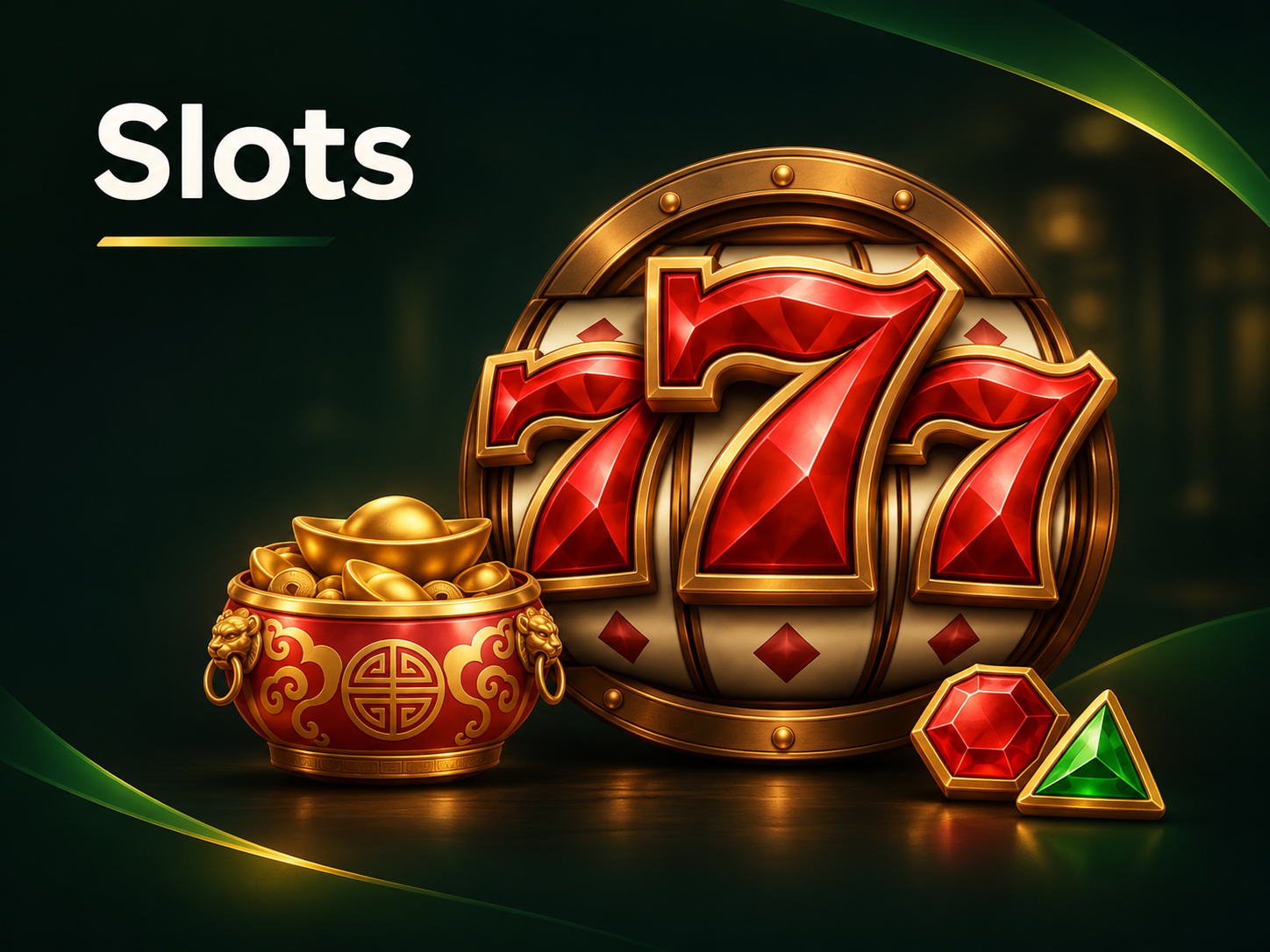 Slot gamesDiscover colourful reel themes, special symbols and bonus features. Compare the look and feature style you enjoy, then use the paytable to understand that title’s combinations and total round cost.
 Card gamesExplore hand rankings and different table formats. Choose a familiar card experience or learn a new format, then check the dealing process, decisions and any optional side bets.
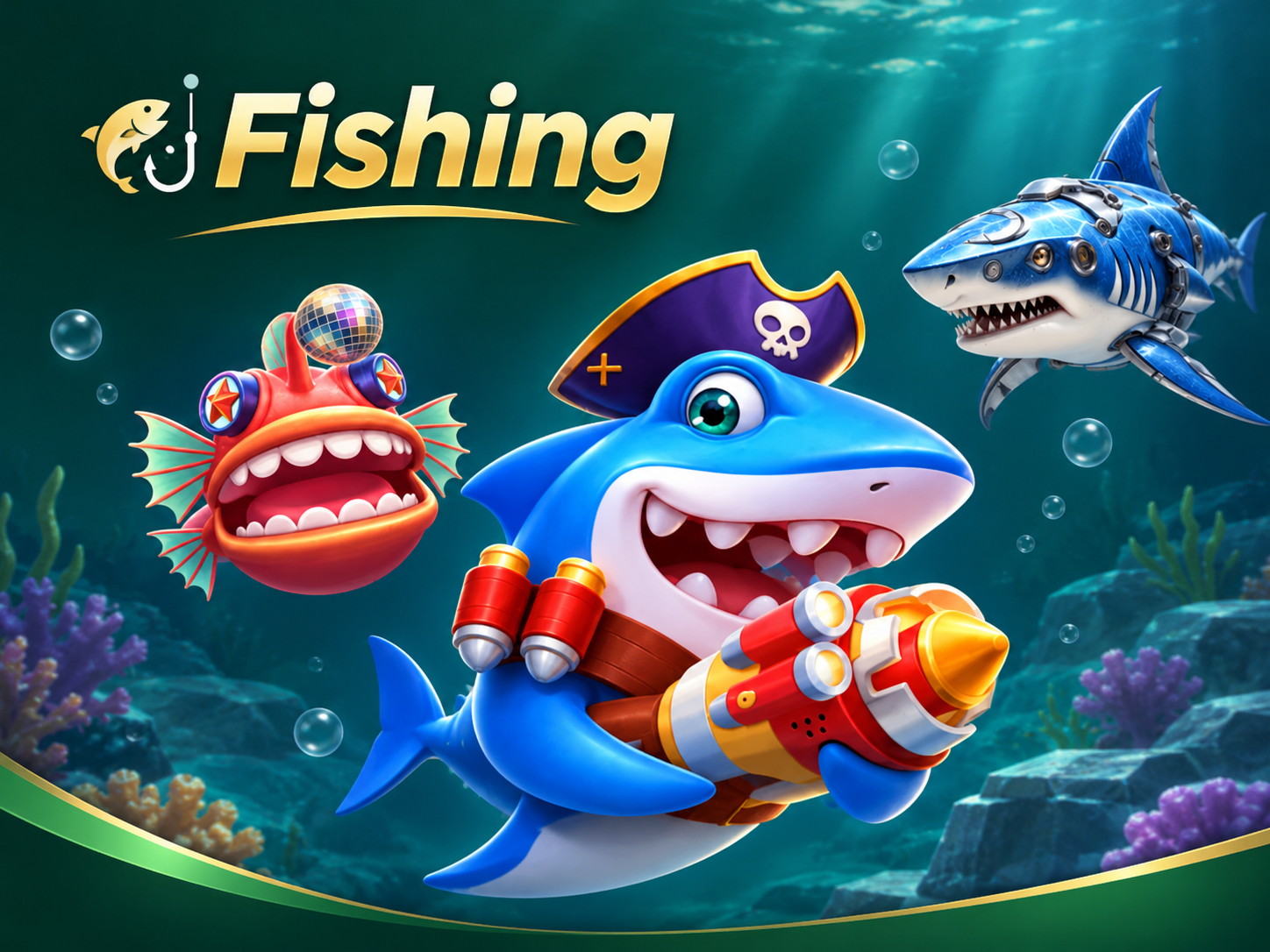 Fishing gamesEnter an underwater action setting with moving targets, selectable shot values and special equipment. Learn the target and weapon controls, including how each action is charged.
 Live tablesBring the table or presenter to your screen with streamed rounds. The gallery includes Crazy Time as one example; choose your format and follow its round timer, limits and result rules.
 Sports marketsFind the sport, fixture and market that interest you. Cricket and football are starting points for exploring the sports area; each available market has its own event period and settlement rules.
 Mini gamesExplore distinct round formats, including lobby examples such as Mines and Aviator. Compare reveal, timing or cash-out controls in the selected game before choosing a round.
Browse by the Way You Like to Play
Slots: Themes, Symbols and Bonus Features
A strong theme, distinctive symbols and feature rounds give each slot its own character. Use the paytable to see how paying symbols, substitutes and feature triggers turn that visual theme into the game’s actual rules.
Compare the base round with any optional feature. A game can use paylines, ways or another combination system, and its displayed stake may change when you enable an extra action. Check the final total before starting and read how the feature is activated.
Find the information or help control inside the title to see symbol values, feature triggers and interrupted-round handling. Keep the title and provider name together when comparing games or asking support about a particular version.
Cards: Choose the Table Format You Understand
Cards offer different experiences through hand rankings, dealing order and table decisions. Start with the format you recognise, or use the ranking examples to learn how a new table works before joining.
Find the main hand or selection area first, then read the table minimum, maximum and optional side bets. A side bet has its own cost and result conditions; it does not necessarily follow the result of the main hand.
Before joining a new format, read the ranking examples and identify when decisions close. If the game uses automatic actions or repeat selections, understand how to stop them. After a connection interruption, check the recorded hand or round instead of repeating an uncertain action.
Fishing: Explore Targets, Shot Values and Controls
Fishing brings moving targets, weapon choices and action controls into an underwater setting. The game’s information panel explains the connection between your shot settings, captures and rewards for that version.
Check the active shot value and how rapid fire, a special weapon or an automatic mode is charged. Changing equipment can change the cost of the next action, so review the setting after switching modes rather than relying on the previous value.
Use the control guide to find target selection, weapon changes and the stop control for any automatic action. Set a session limit before starting. A larger creature or dramatic animation does not by itself establish a higher or guaranteed return.
Live Tables: Follow the Stream and the Round
A live table or presenter creates a different atmosphere from an animated reel game. The preview includes Crazy Time; compare that presenter-led format with the streamed tables offered in your lobby, then learn the timer and selection controls.
Identify the timer, the point when selections close and the area showing the official result. A video delay can make the stream appear behind the recorded round, so use the game’s result and history information when checking what settled.
For a stable viewing experience, keep the connection available and avoid switching away during a decision window. If the stream stops or a round is unclear, note the title and time, check the recorded result and retain the reference for support.
Three Checks Before a Round
- 1
Know the full cost
Check the selected stake, optional actions and any automatic repeat setting before you confirm.
- 2
Know how it settles
Read the win condition, payout calculation and what happens after a disconnect or unfinished round.
- 3
Choose a personal limit
Use a spending and time budget you can afford. Do not increase it to recover a previous loss.
Game Discovery Questions
Which categories are listed on 3RR?
Explore Slot, Cards, Fishing, Live, Sports and Mini Games. Use Hot for highlighted entries or Search for a title; check the selected game before choosing an available Demo mode.
Which game names can I use to explore the lobby?
The product gallery includes Aviator, Mines and Crazy Time, with JILI and other provider-labelled entries. Use the exact title and provider to search the lobby, then check the current version and availability for your account.
How should I compare two games?
Compare the round mechanism, total cost, special features, timing and payout rules. Similar artwork or names do not establish identical rules.
What should I check in sports markets?
Check the exact event, scheduled or live status, market name and settlement scope. A full-match result, period result and player market are different selections.
Can I assume every game has a free demo?
Check the specific title for a Demo option and read the balance or entry information before starting. Demo availability can differ by game; a category or browsing label does not make every title free to play.
Do these guides predict results?
No. They explain selection and rule checks. They do not provide guaranteed methods, fixed returns or a prediction of the next outcome.
What is the difference between Cards and Live?
Cards describes a family of card-based games; Live describes a streamed table experience with timed actions. The exact table may use different dealing, opponents or settlement rules, so use the information panel rather than treating the category names as identical games.
Can I search for a game name I have seen elsewhere?
Search the complete game name and add the provider when you know it. Compare the version and information panel before opening a round. If you cannot find the title, ask platform support about its availability.
Where should I check a round after losing connection?
Use the selected game or account history to see whether the round settled. Read the game rules for interruption handling and contact support with the round reference if the result is unclear.
How do I choose between sports and mini games?
Sports begins with a named event and a defined market, so the event, period and settlement scope matter. Mini games use their own compact round controls, such as revealing, stopping or cashing out where provided. Choose by the format you understand rather than assuming either category has a predictable result.
Where do I find the rules for Aviator, Mines or a live title?
Open the exact title in the platform lobby and find its help or information control. Read its actions, cost, payout rules and interruption handling there. This category guide introduces the product range; the selected title’s own rules explain the version you use.
Your Next Game Starts in the Lobby
Open 3RR and head to your preferred category, browse Hot entries or search a title you know. Choose the game and provider version that matches the experience you want.